
Features
One platform for the entire driving school
From the first booking lead to a printed certificate of completion — every step lives in DrivingOps, sharing the same data.
Product preview: this page includes implemented, prototype, and planned capabilities. Your order form or pilot plan will identify what is enabled.
Scheduling & sessions
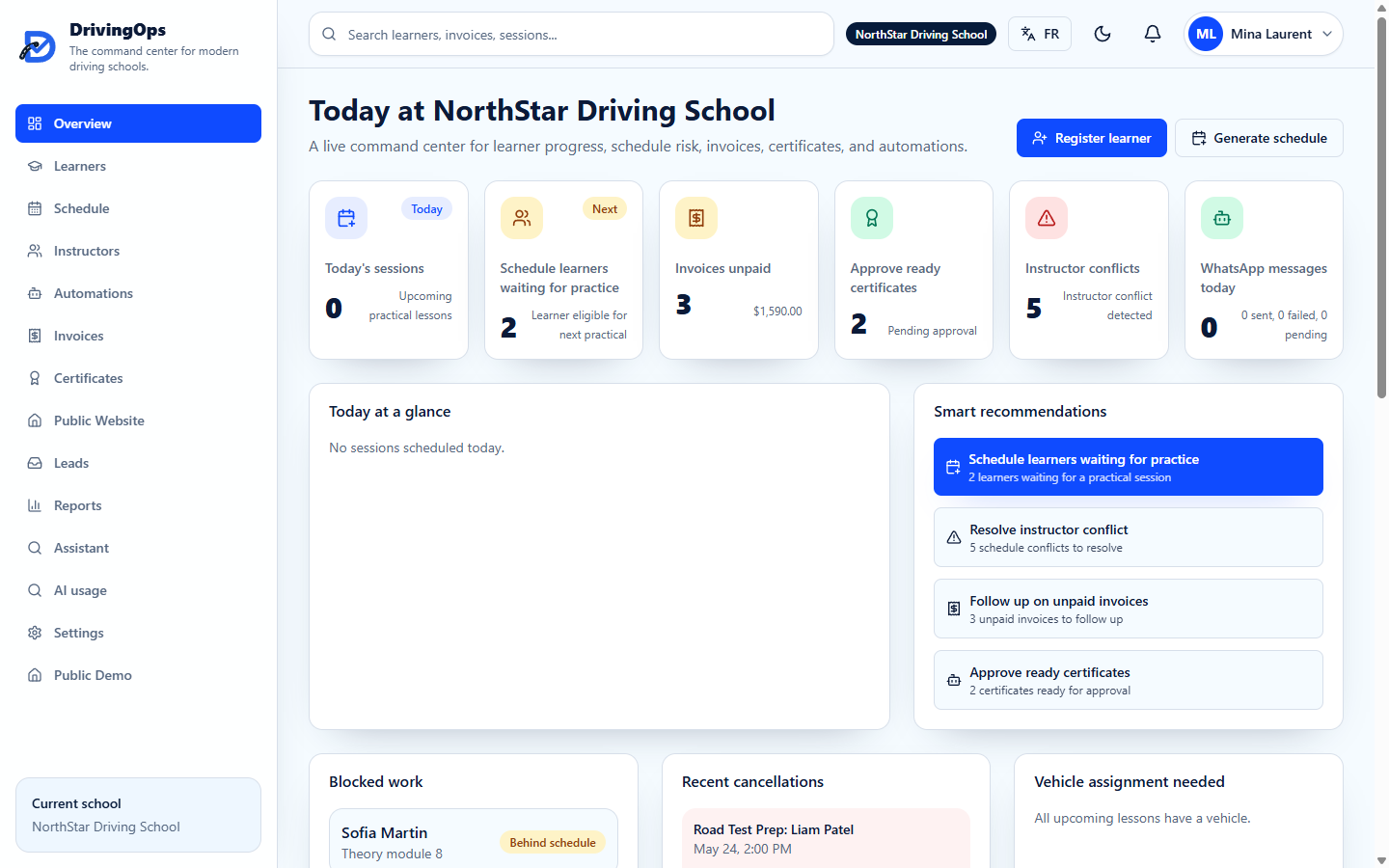
Generate conflict-free schedules from programs, instructor and learner availability, vehicles, and operating hours — then reschedule in a click.
- Auto-generate 30-day schedules per learner
- Smart rescheduling and waitlist slot filling
- Vehicle assignment that respects licence categories
- Branch operating hours, closures, and bank holidays
Replaces: Paper calendars and double-booking
Learners
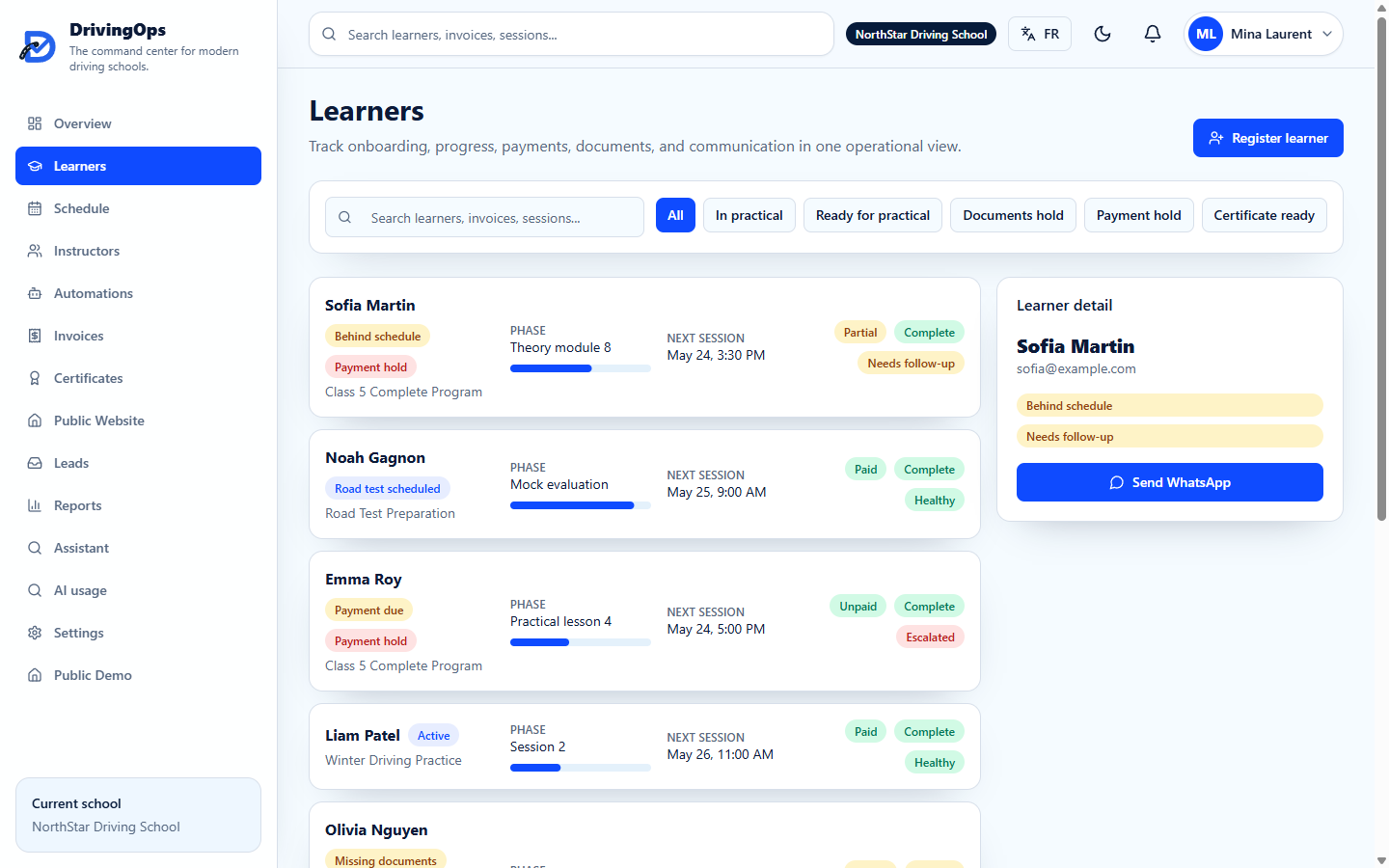
Every learner's program, progress, payments, documents, and communication health in one operational view.
- Program phases and progress tracking
- Payment, document, and communication status at a glance
- Registration wizard and learner timeline
- Convert booking leads straight to learners
Replaces: Spreadsheets and sticky notes
Instructors & availability
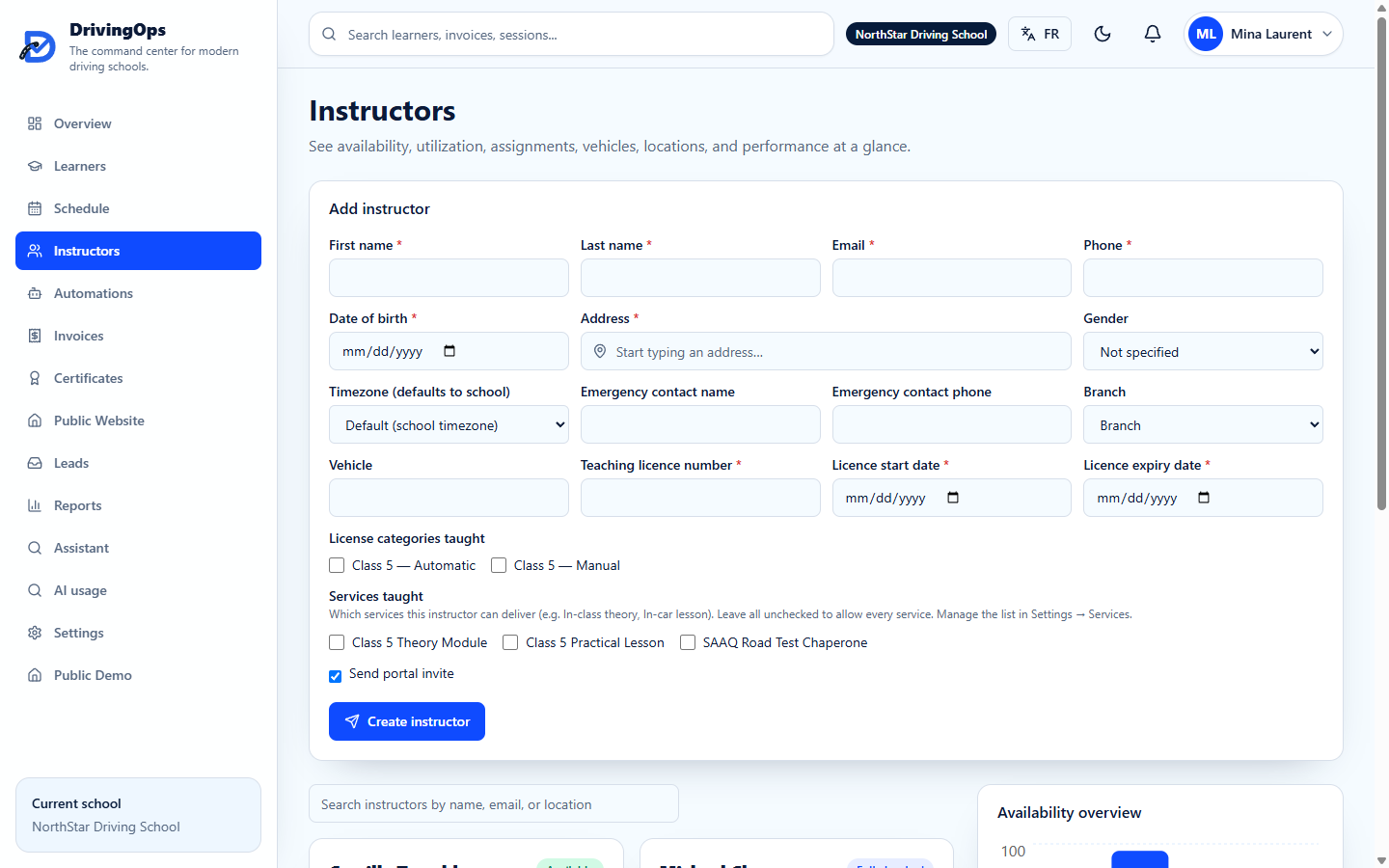
Manage instructor profiles, weekly availability, vehicles, languages, locations, and utilization.
- Weekly availability by branch
- Licences, categories, and services taught
- Utilization reporting
- Mobile portal: today at a glance
Replaces: Group chats and phone tag
Automations & communications
WhatsApp and email flows for confirmations, reminders, payment nudges, and follow-ups — with human-in-the-loop on sensitive moments.
- Lesson confirmations and reminders
- Missing-document and payment follow-ups
- Bilingual EN/FR message templates
- Escalation to a human when it matters
Replaces: Manual reminders that get skipped

Billing & payments
Invoices and payments that live next to the lesson — balances, receipts, and payouts, all in one place.
- Online invoices and payments
- Outstanding balances and revenue trend
- Taxes (GST/QST) and receipts
- Instructor payouts
Replaces: E-transfers and cash-flow guesswork

Certificates
Approve, generate, audit, and download course-completion certificates with a traceable approval workflow.
- Approval workflow with audit trail
- Branded certificate templates
- Automatic issue on completion
- Secure storage and downloads
Replaces: Manual PDFs and lost records
Certificates screenshot — design team to add final asset.
Documents
Collect and review learner permits, consents, and regulated uploads — with a review queue and secure storage.
- Document upload and review queue
- Missing-document tracking
- Secure, access-controlled storage
- Office review notifications
Replaces: Email attachments and filing cabinets
Documents screenshot — design team to add final asset.
Courses & assessments
Author theory courses with lessons and quizzes, publish them, and let learners enrol and complete — feeding scheduling gates.
- Lessons and auto-graded quizzes
- Exam-pass → checkpoint → scheduler
- Learner enrolment and progress
- Bilingual content
Replaces: Generic LMS bolt-ons
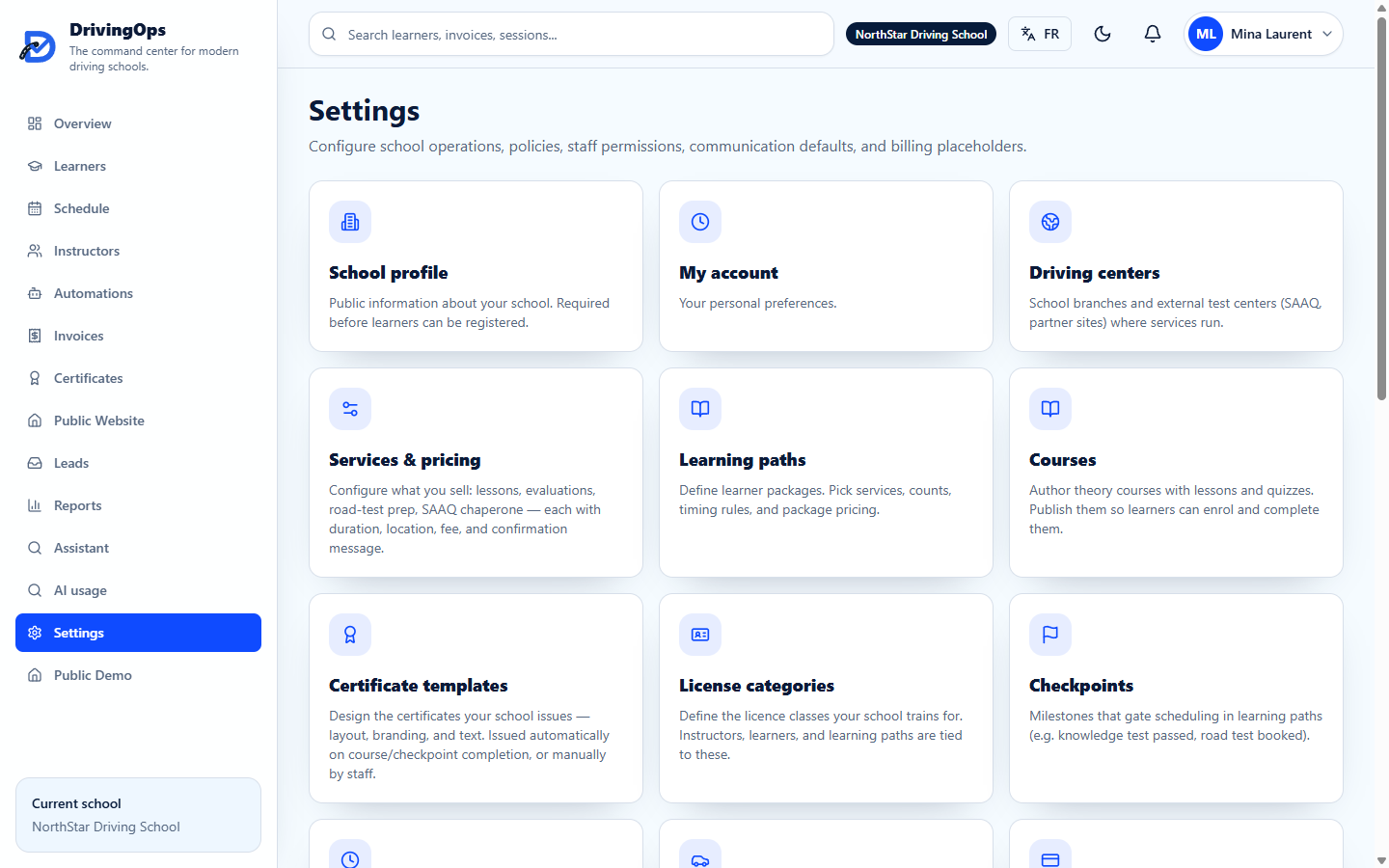
Learner & instructor portals
Mobile-first portals: learners book, pay, track progress and certificates; instructors see today's lessons and mark availability.
- Self-service booking at open slots
- Pay online and track balances
- Progress, history, and certificates
- Instructor today-view and time-off
Replaces: Phone calls to the office
Learner & instructor portals screenshot — design team to add final asset.
Public site builder
Give every school a bilingual marketing site with a booking form that turns visitors into leads — no developer required.
- Bilingual EN/FR editor with live preview
- Programs, reviews, FAQs, booking CTA
- Custom domain and SEO
- Leads land in your queue
Replaces: An outdated website you can't edit

Reports & dashboard
A command center for the whole school — revenue, utilization, cancellations, learner progress, and automation performance.
- Revenue trend and outstanding balances
- Instructor utilization
- Cancellations and no-shows
- Owner visibility across branches
Replaces: End-of-month spreadsheet crunching

AI assistant
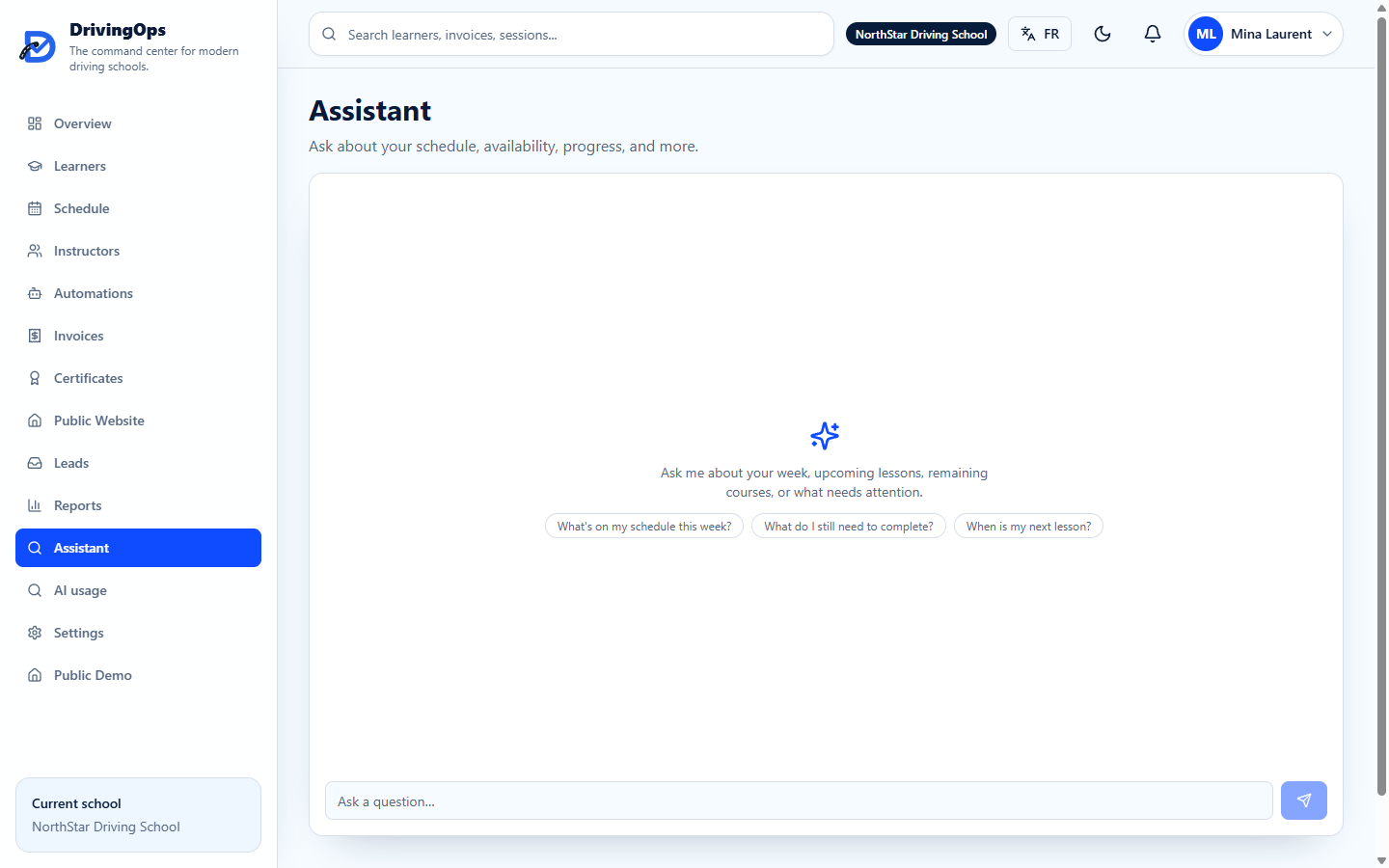
A grounded assistant for staff and learners — ask about schedules, availability, progress, and what needs attention.
- Grounded in your school's data
- Per-user and per-school usage metering
- Available on web and mobile
- Bilingual
Replaces: Digging through screens
Map these features to your school's workflow
Book a demo and we'll walk through the modules that matter most to you.